API and MCP Access, Now on Every Paid Plan

Until today, the Report URI API and our MCP server were only available on the Business plan and above. As of today, they're included on every paid plan, at no extra cost. If you're already on a paid plan, there's nothing to upgrade and nothing extra to pay. You can start using both today.
Why we're doing this
We think AI is going to transform how security work gets done, and we don't want that to be something only our largest customers can take advantage of. A two-person team on our Starter plan should have the same ability to automate, investigate and act on their data as an enterprise with a dedicated security team.
Whether you're working alone or managing security across hundreds of sites, you should have the tools to investigate problems, automate repetitive work and make better use of your data.
What you get
The API gives you read access to your account: reports, CSP policies, Watch product findings, quota and setup. Pull it into your own dashboards, scripts, SIEM or CI pipeline.
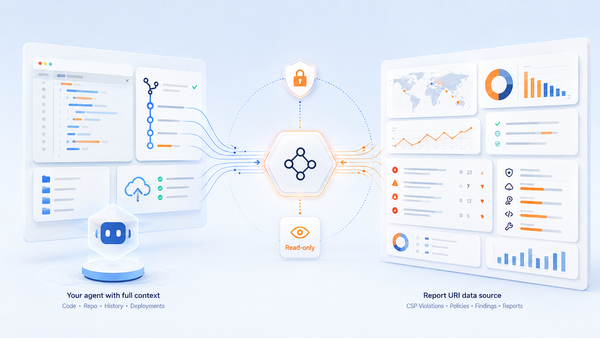
The MCP server connects AI assistants like Claude directly to your Report URI account, giving them read-access to all of your data. Ask questions in plain English and get answers grounded in your real data:
- "What are the top CSP violations on my site this week?"
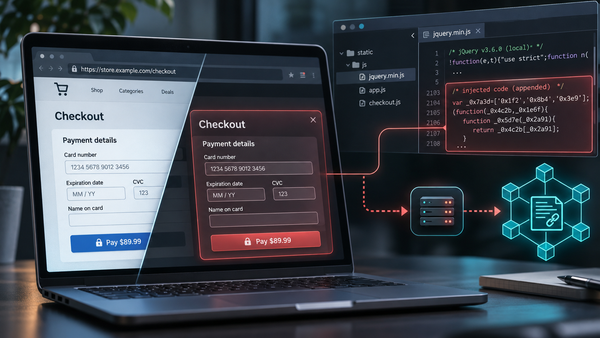
- "Has Script Watch seen any new scripts on my checkout?"
- "Review my policy and tell me what I can tighten."
- "What changed in my CSP reports since last week?"
Getting started
That's it! If you're part of a team, access comes from the team's plan, so you'll find it in your team account too.
Not using Report URI yet? Every new account starts with a 30-day trial, including full access to the API, MCP server and all our other features.
Start your trial and see what your AI assistant can do with your data.